Update
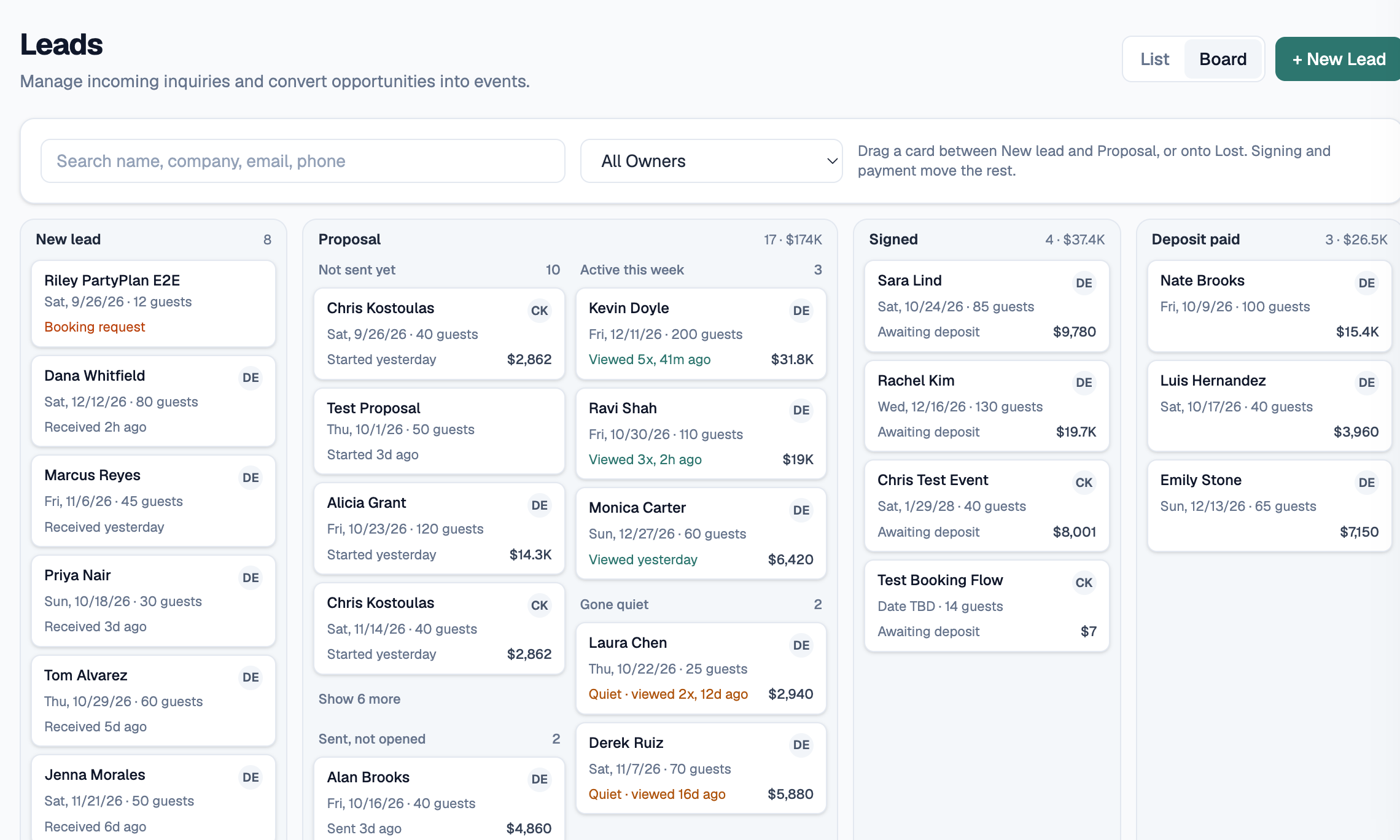
Your lead page now puts the proposal first
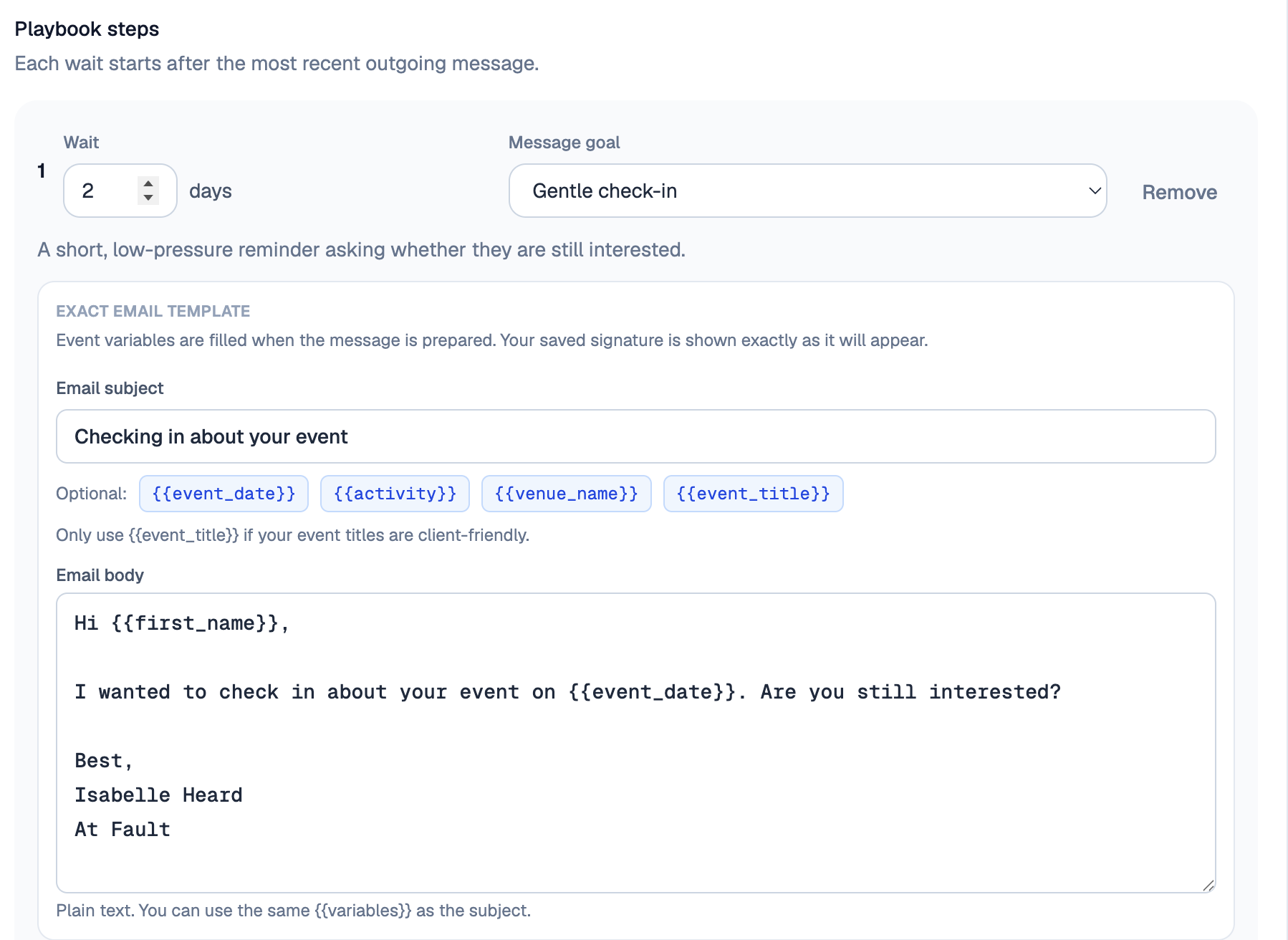
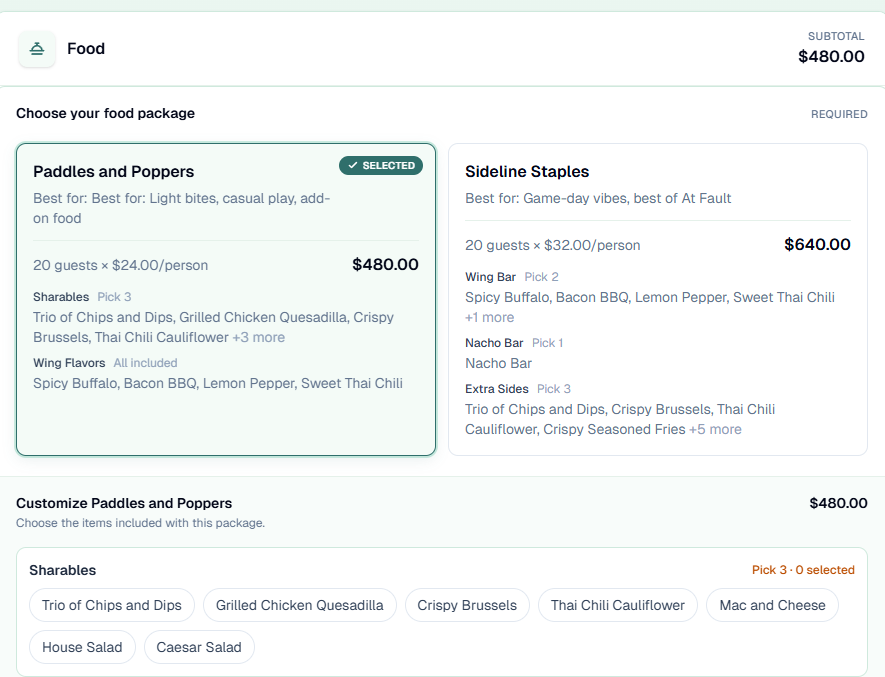
When you open a lead, its proposal now sits at the top of the page. You can build it, preview it, edit it and send it without leaving the lead. • Your client can't see the proposal until you send it. Until then it's a draft, so take your time getting it right. • Sending it moves the lead to Proposal. Send it by email or text, click Copy link, or paste the proposal link into your own message. • Sharing the link yourself? Use the Copy link button. A link copied from your browser's address bar won't open for your client until the proposal is sent. • Convert to Event still works the same way.