Follow Mia from inquiry to event day.
Exactly how Reunion handles a private event booking, step by step — as it runs every week at At Fault, the Dallas venue where Reunion was built.

Mia runs private events at our busy entertainment venue in Texas. She prides herself on being responsive — but she's juggling a million things during service. Here's how she books more without burning out.
A new inquiry comes in
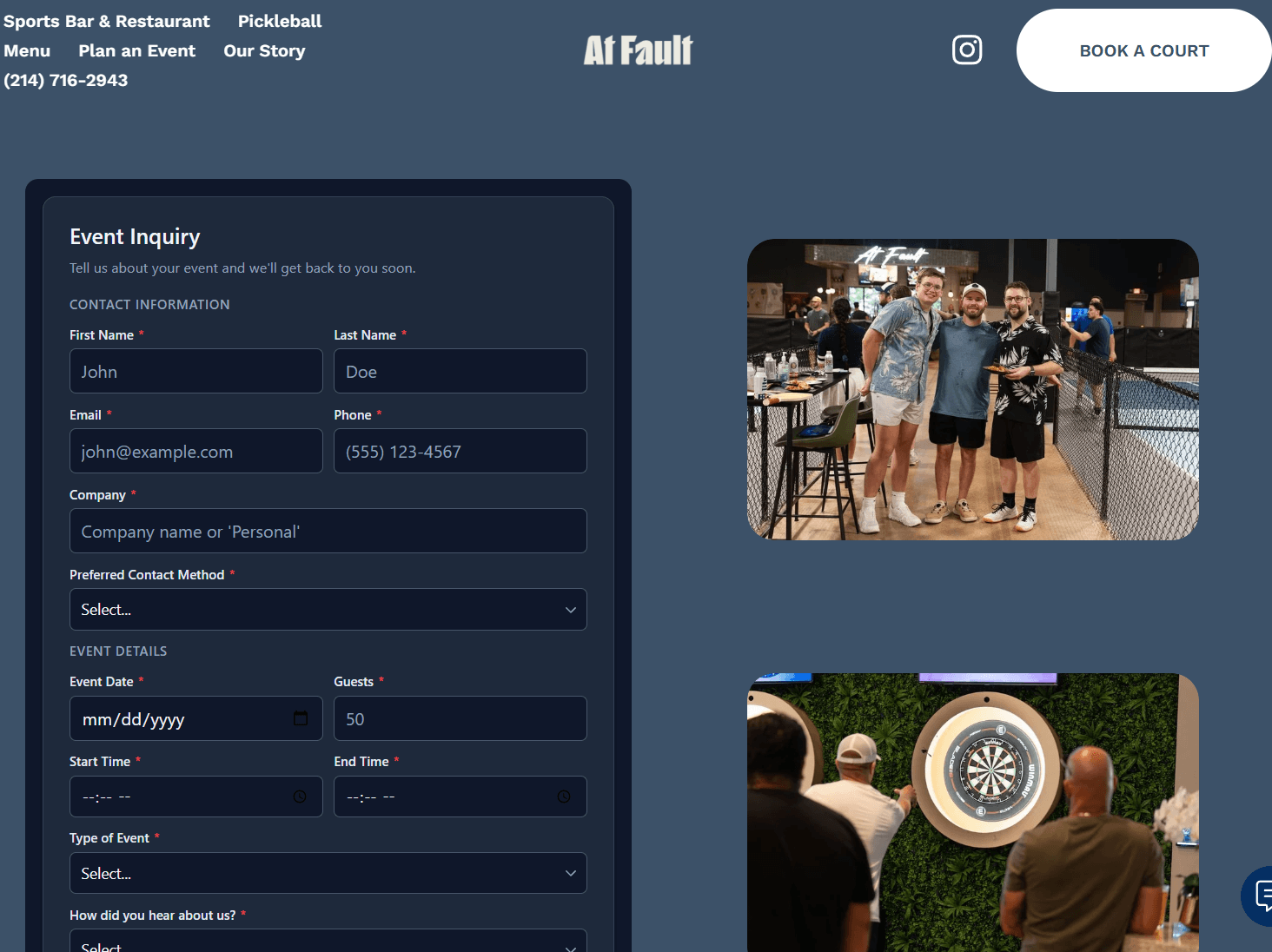
Sarah fills out the event form on At Fault's website — a 40-person team outing next month. The lead lands in the pipeline with its source attached (this one came from a Google ad the Growth team runs).
Sarah gets a response
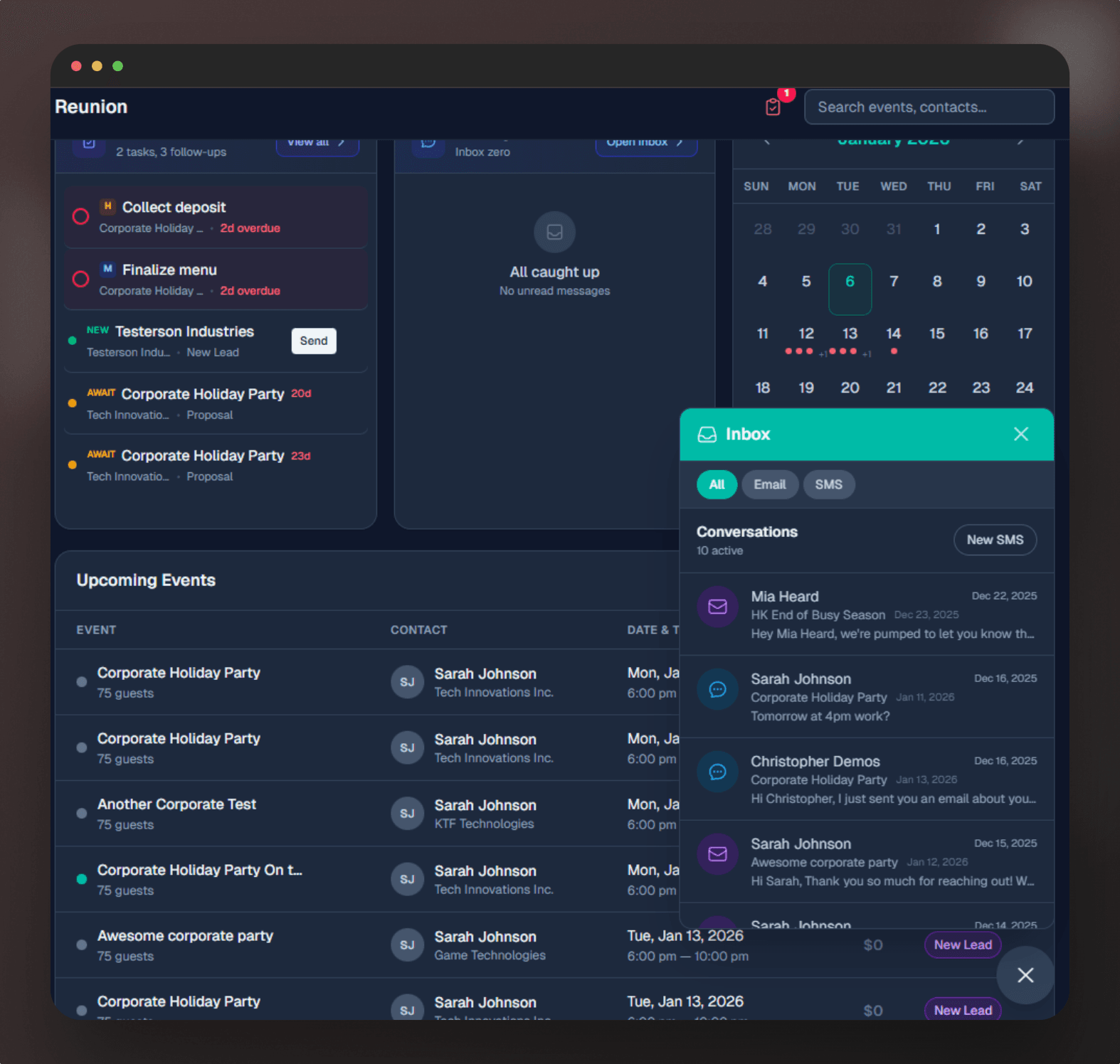
Three minutes later, Sarah receives a warm, personalized email thanking her for reaching out and asking a few clarifying questions.
The conversation continues
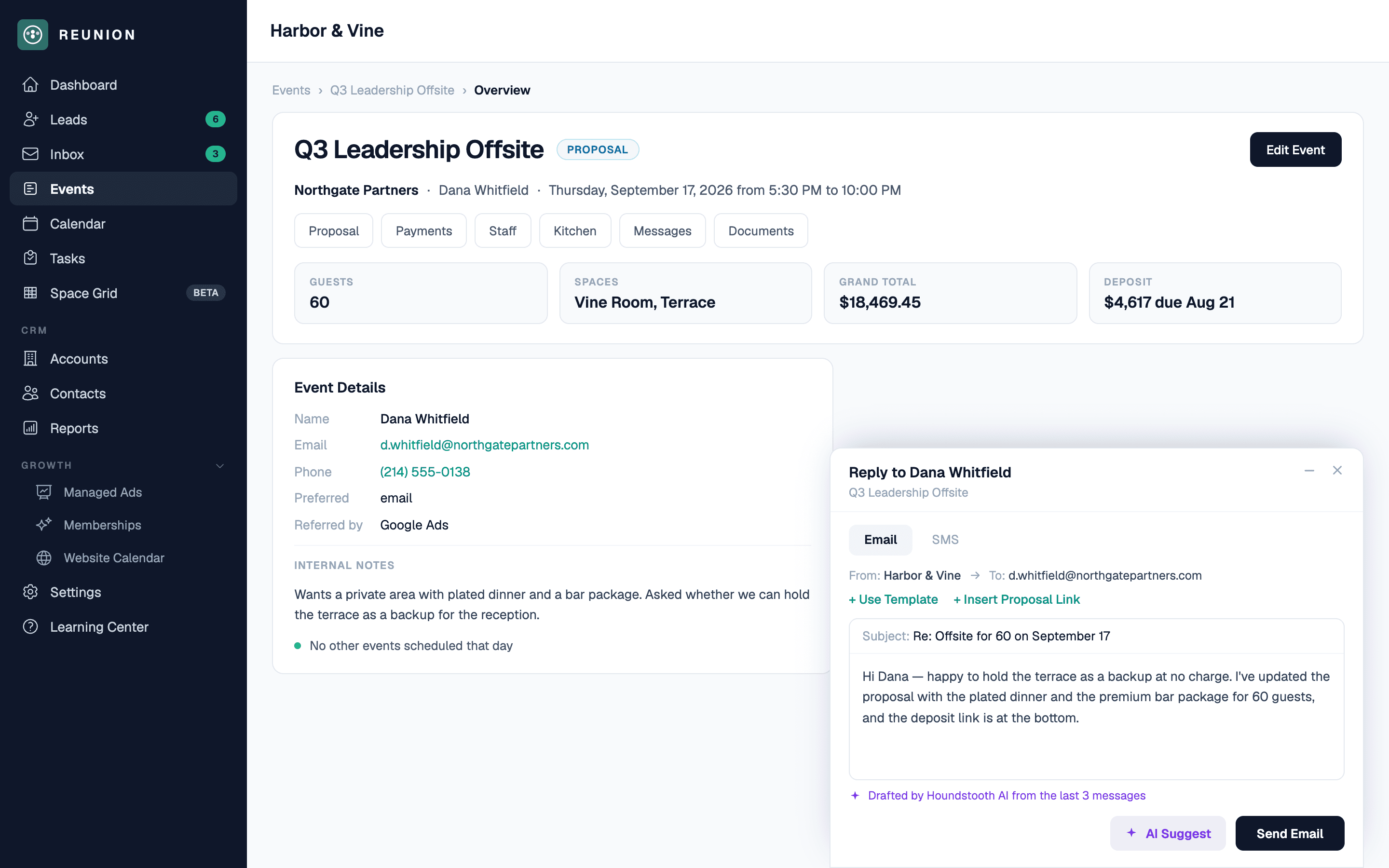
Sarah replies with details: pickleball, drinks, light appetizers. A few emails go back and forth — every message lands in the one thread tied to the event.
Mia builds a proposal
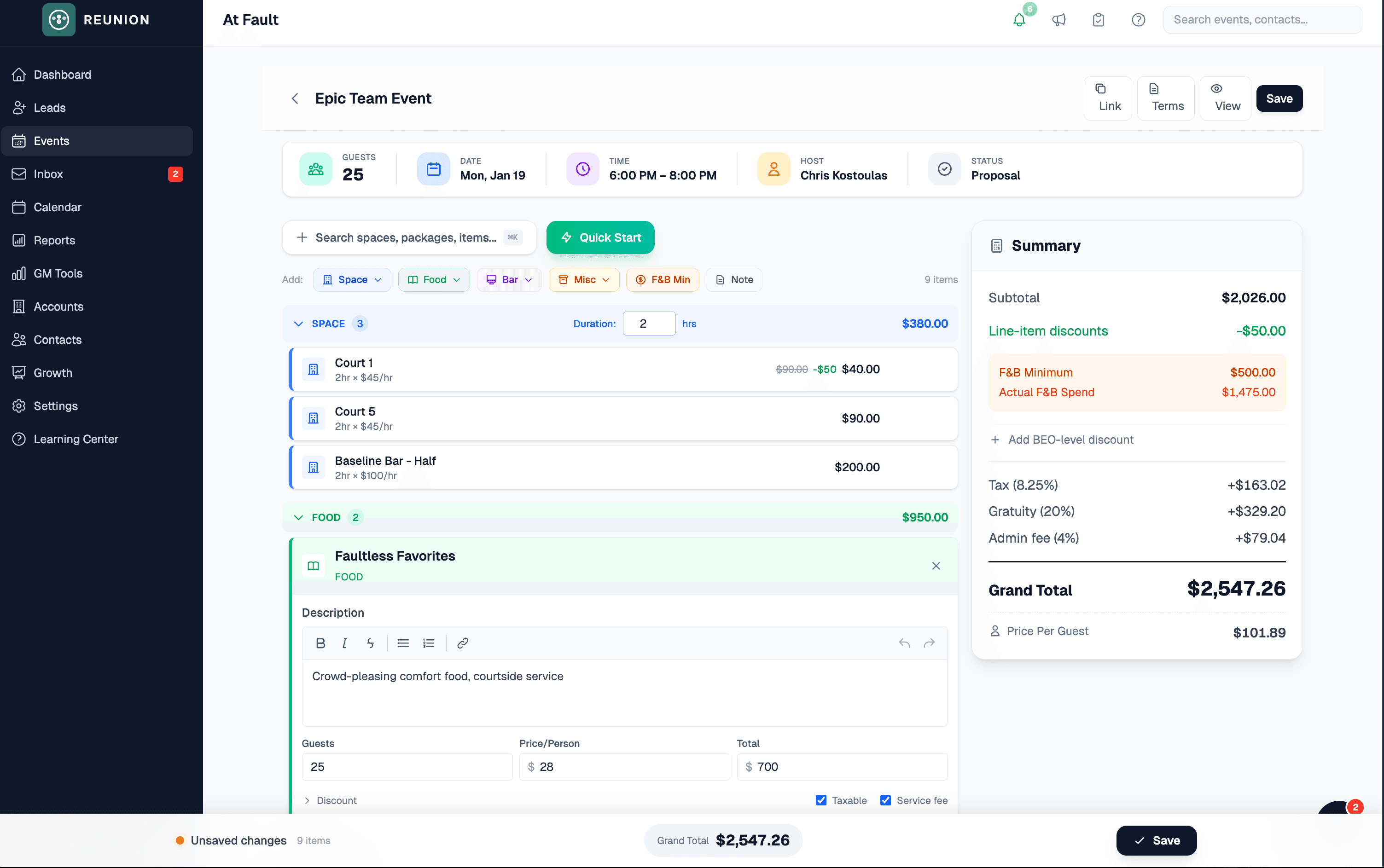
Sarah's ready to see pricing. Mia opens Reunion and clicks 'Build Proposal.' The AI already read the thread — it suggests 40 guests, 2 hours of pickleball, a drink package, and appetizers.
Sarah picks her menu and signs
Sarah gets a link to her proposal. She browses the appetizer options, swaps one item, and e-signs right there — from her phone.

Deposit collected
Right after signing, Sarah pays the 50% deposit with her card. The payment is recorded through the venue's connected Stripe account and the team sees the updated balance in Reunion.
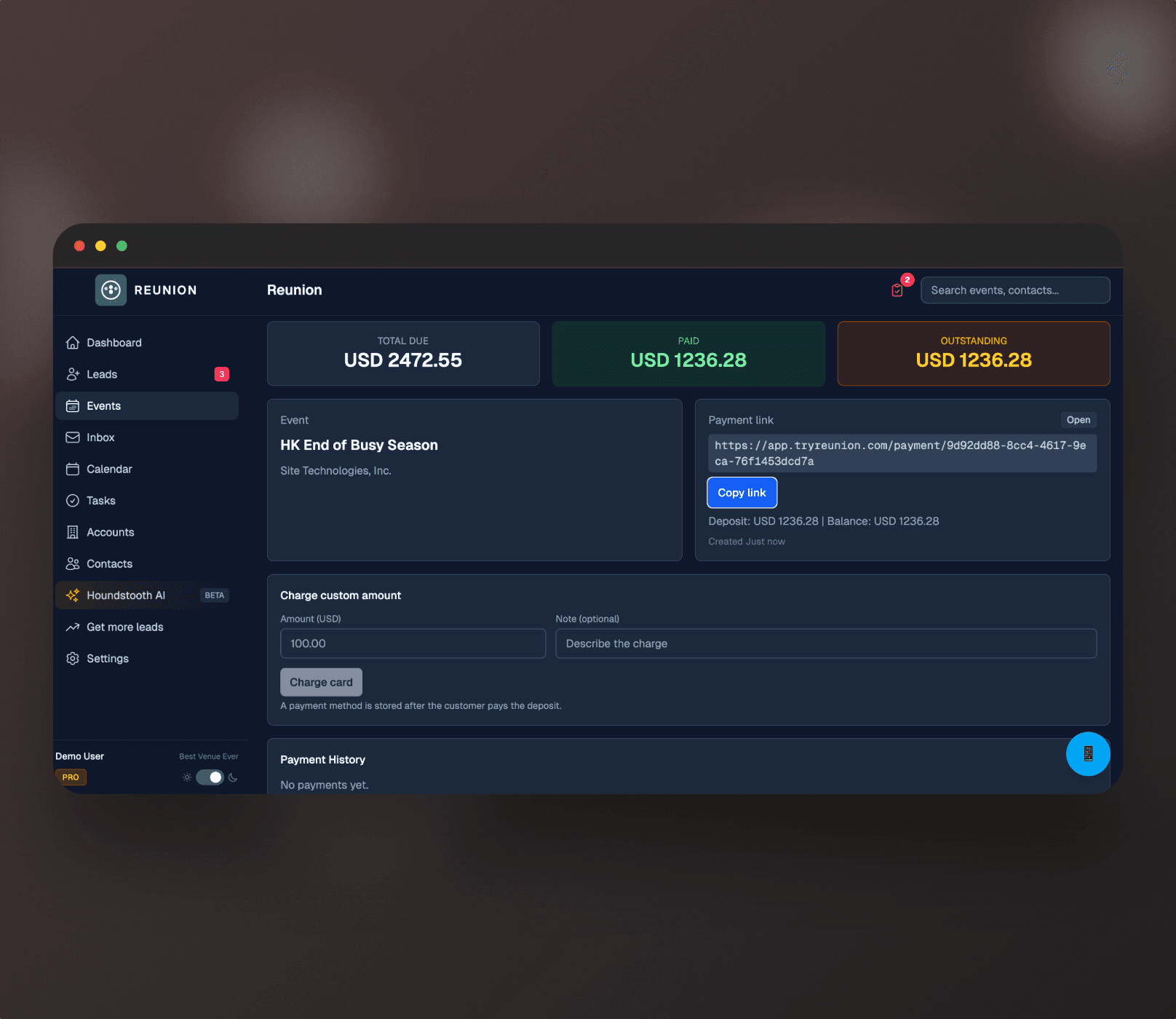
Everything's ready
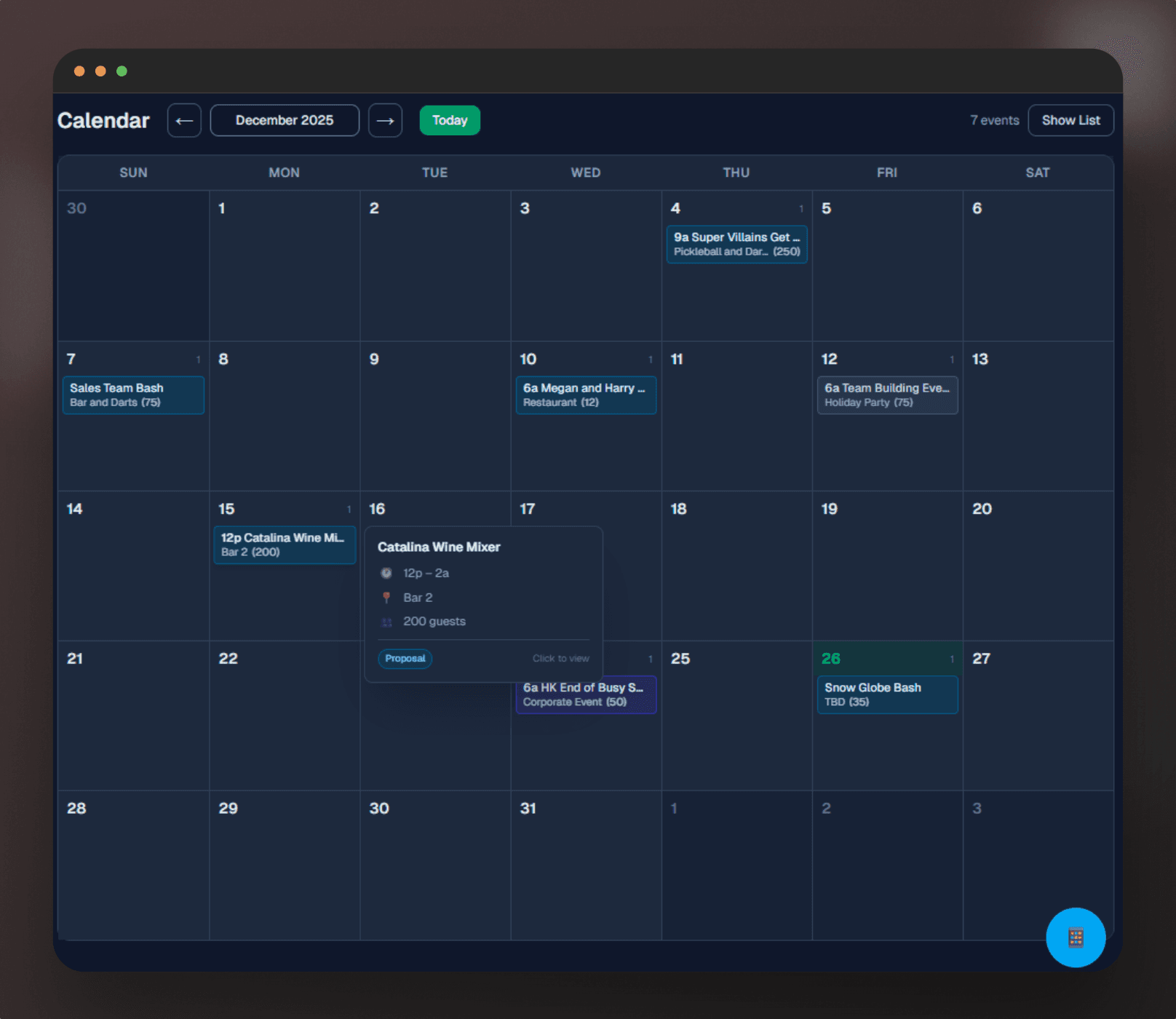
Sarah arrives with her team. Mia confirmed the final details yesterday; the bar knows the drink package and the kitchen has its sheet.
The honest answers.
New software can feel overwhelming. Here's what to expect.
What if I'm not tech-savvy?+−
What about my existing process?+−
Do I need training?+−
What if I already use spreadsheets?+−
See it on your events.
A 15-minute walkthrough of the real flow — inquiry, proposal, deposit, handoff — using your current process.